





Move work from step to step, across teams

The assistant watches a piece of work as it moves between people and tools. It passes each step on, reminds owners and shows where things get stuck.

From a request to a finished job

The assistant does the passing on and the reminding. People do the work that needs a person.

New job

Reading your tools

Got it. I will follow your steps, pass the invoice on and remind each owner.

Stage 1

It learns.

First, it learns how work flows in your business.

  1. Learns your process

    Share the steps, the owners and the usual timings.

  2. Connects your tools

    Email, chat and your task list work as one.

Workflow
Following the steps0 steps mapped
  • RReceivedNext upAccounts inbox
  • CCheckedFinance, Mei Ling
  • AApprovedOperations head
  • PPaidFriday payment run
Stage 2

It follows.

Then it follows the job from step to step.

  1. Starts the work

    The moment a request arrives.

  2. Passes it on

    To the right person, with what they need.

  3. Watches the clock

    Delays are flagged before they hurt.

Reminder
To Mei Ling, Finance
Subject Invoice for checking: Harbour Print Works

EditSend the reminder
The next step starts once you finish.
Stage 3

It reminds.

Finally, it keeps everyone on time.

  1. Reminds each owner

    Kindly, with what is needed.

  2. Starts the next step

    As soon as one step is done.

  3. Shows the whole picture

    Where every job is, in one view.

Made for teams where work crosses many hands

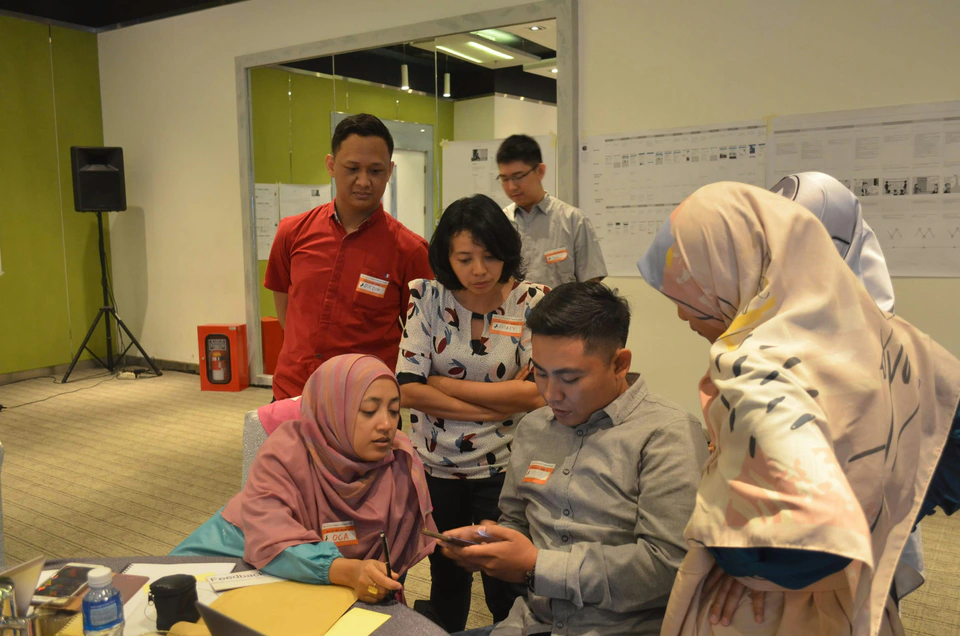
A team working on laptops at a shared table above the city.

The operations manager with many moving parts

Every job moves on its own, and you can see where it is.

Jobs pass through four people, and you are the one who asks where they are.

A team working around a table covered in plans and sticky notes.

The team member who is tired of chasing

Reminders go out for you.

You send a reminder, then another, then a third.

A small team discussing plans around a table.

The director who asks, where is it?

One view of every job.

Nobody can say where a job is without checking.

Two colleagues discussing ideas beside bookshelves.

The founder who is the only process

A process that runs without you.

Things happen because you remember to push them.

What changes for your team

Without the assistantWith the Business Workflow Assistant

Work waits in someone's inbox

Work moves on its own

Nobody knows where a job is

Every job shows where it is

Reminders are sent by hand

Reminders are sent for you

Delays are found at the end

Delays are found while they can be fixed

Testimonials from teams who use it every day

I stopped asking where it is

“I can see every job and where it is. My day used to be questions, and now it is decisions.”
Cynthia LauOperations Manager, trading company
Singapore
Kuala Lumpur
Mumbai
Manila
Dubai

Let's start the conversation

Want to grow your business with AI? Tell us what you want to achieve and we will suggest the right next step.

Enquiry

Tell us what your business needs

Share a few details and we will come back with the right solution for your business.

* Required. We only use your details to reply to you.