






See who is doing what, at a glance

The assistant keeps every task, owner and date in one view, reminds people kindly and shows where the team is overloaded.

From a long list to a balanced team

The assistant does the tracking. Managers do the balancing.

Team tasks

Reading your tools

Got it. I will read every task and show who has too much and who has room.

Stage 1

It learns.

First, it learns how you plan work.

  1. Learns how you plan work

    Your projects, your teams and your usual timings.

  2. Connects your task lists

    Everything appears in one place.

Team
Reading every task0 tasks read
  • MMei LingBusiest9 tasks
  • PPriya6 tasks
  • DDaniel5 tasks
  • RRaymond2 tasks
Stage 2

It reads.

Then it reads every task.

  1. Reads every task

    Owner, date and progress.

  2. Shows the workload

    Who is busy and who has room.

  3. Flags what is overdue

    Before it becomes a problem.

Weekly note
To Team leads
Subject Workload this week: Mei Ling is stretched

EditSend to the leads
Tasks can be moved with one click.
Stage 3

It balances.

Finally, it suggests a fairer split.

  1. Suggests a better balance

    Which tasks could move, and to whom.

  2. Reminds people kindly

    Only about what is due soon.

  3. Shows progress

    So the team can see work moving.

Made for teams who share the work

A team working on laptops at a shared table above the city.

The project manager who chases updates

The status is already in front of you.

Every status meeting is people reading out what they are doing.

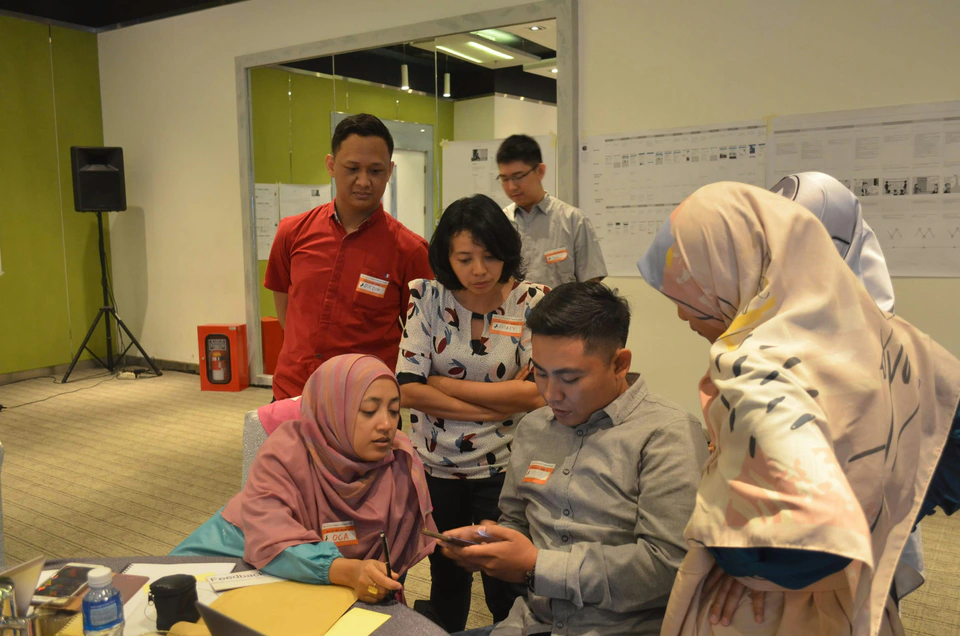
A small team discussing plans around a table.

The manager who wants a fair team

Workload visible, before anyone burns out.

Some people are drowning, and you only hear about it when it is too late.

A team working around a table covered in plans and sticky notes.

The team member who feels overloaded

The numbers say it for you.

You are not sure how to say you have too much.

Two colleagues discussing ideas beside bookshelves.

The founder who assigns by memory

A fair split, based on who has room.

You give work to whoever you remember first.

What changes for your team

Without the assistantWith the Task Coordination System

Nobody knows who is busy

Everyone can see the workload

Tasks live in five places

Tasks live in one view

Overdue work is found late

Overdue work is flagged early

Work is shared unevenly

Work is shared fairly

Testimonials from teams who use it every day

No more status meetings

“I do not ask for updates any more. I can see every task and how it is going.”
Grace HoProject Manager, software company
Singapore
Mumbai
Dubai
Kuala Lumpur
Ho Chi Minh City

Let's start the conversation

Want to grow your business with AI? Tell us what you want to achieve and we will suggest the right next step.

Enquiry

Tell us what your business needs

Share a few details and we will come back with the right solution for your business.

* Required. We only use your details to reply to you.